
Ready-made duo template
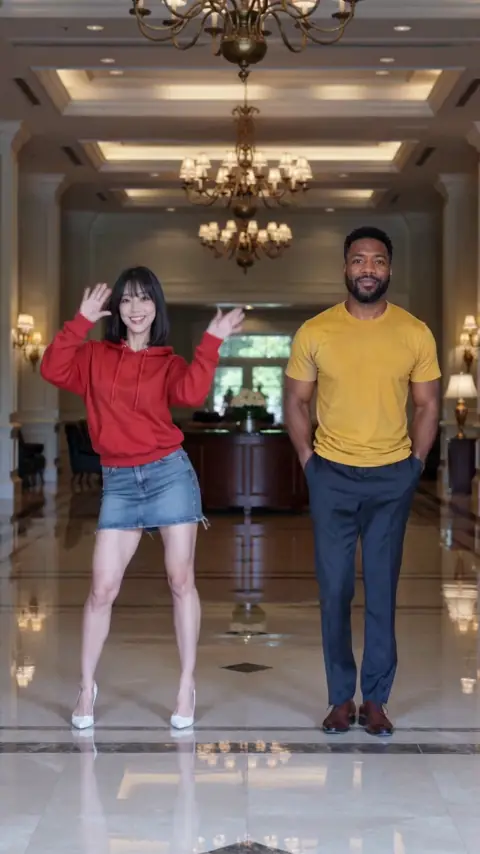
Hotel Lobby duo remake
- Mode
- Ready-made duo template
- Inputs
- 2 photos, one per person
- Length
- 12 s
- Output
- 720×1280
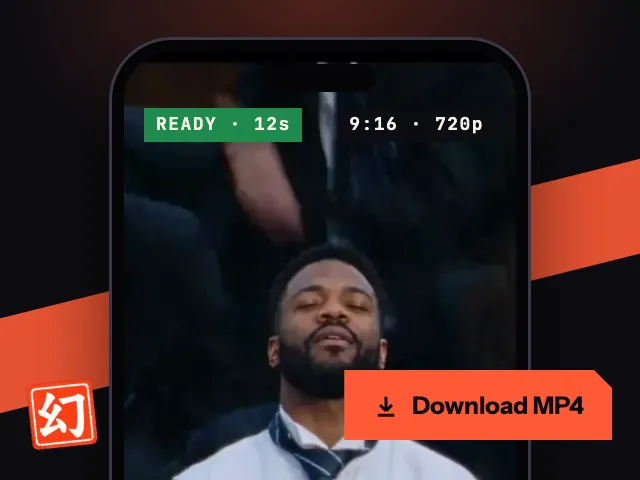
Note: Best of 3 test runs; no editing beyond adding the template's original audio track.
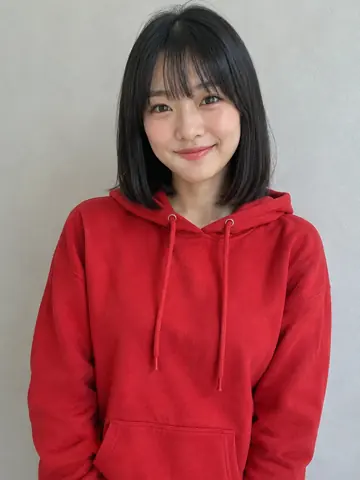
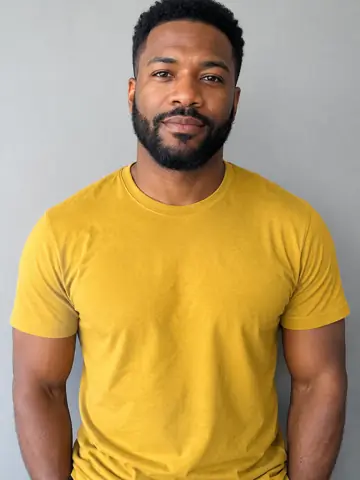
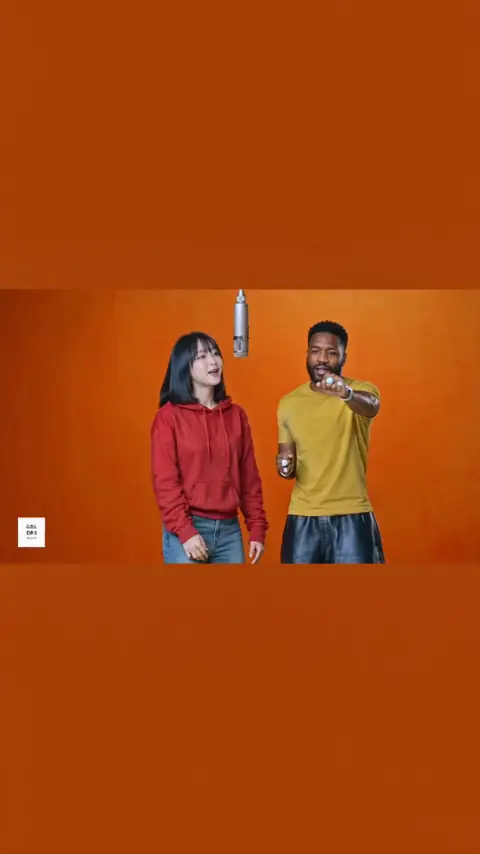
NEWThe Hotel Lobby duo template is here. Bring a friend into the booth.Try it
GENJUTSU.ART · AI VIDEO TOOLS
Keep the moves. Change who's in the video.
Genjutsu.art is an online AI video generator for motion control, character swap and ready-made video templates. Upload a short clip and a photo, or choose a template like Hotel Lobby and add one photo per person. No prompt writing required.
Genjutsu.art is independent and is not affiliated with Higgsfield AI.
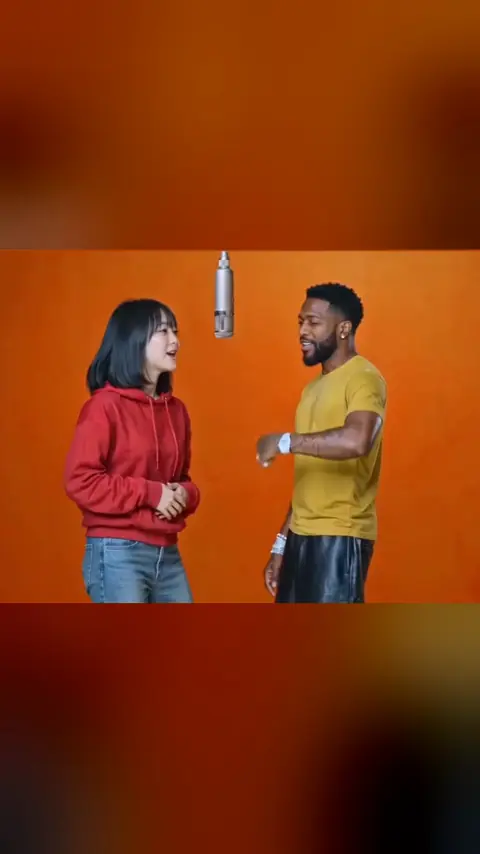 DUO
DUO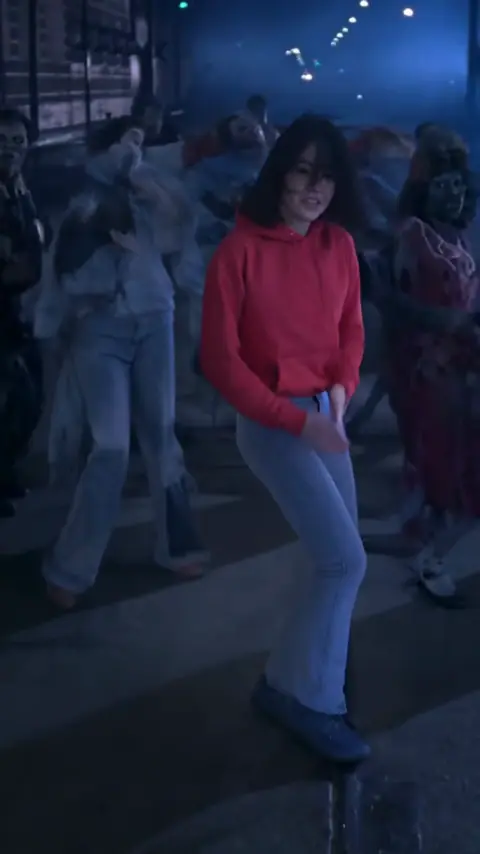
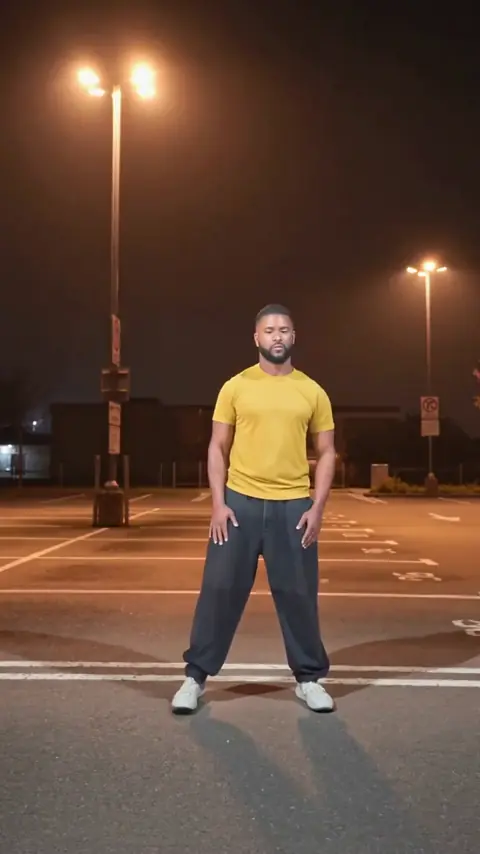
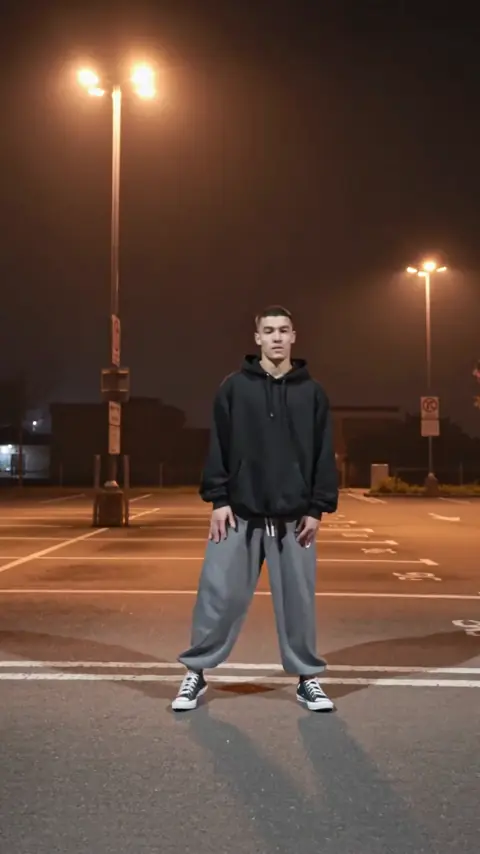
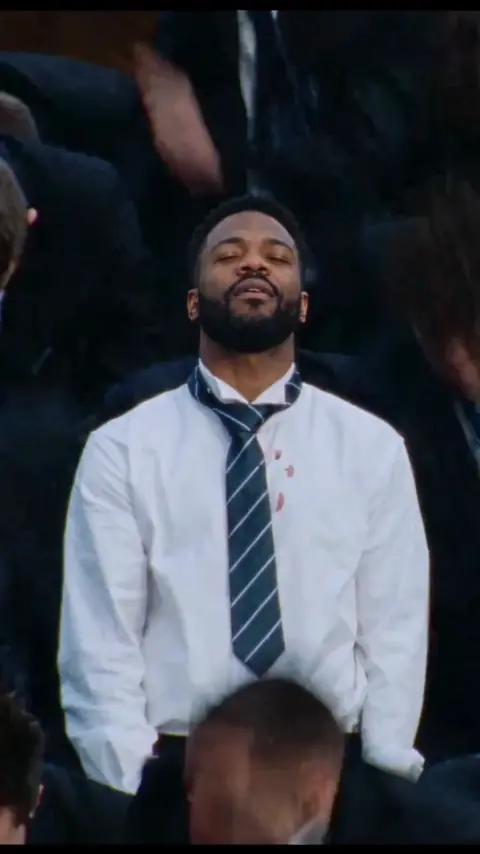
 DUO
DUO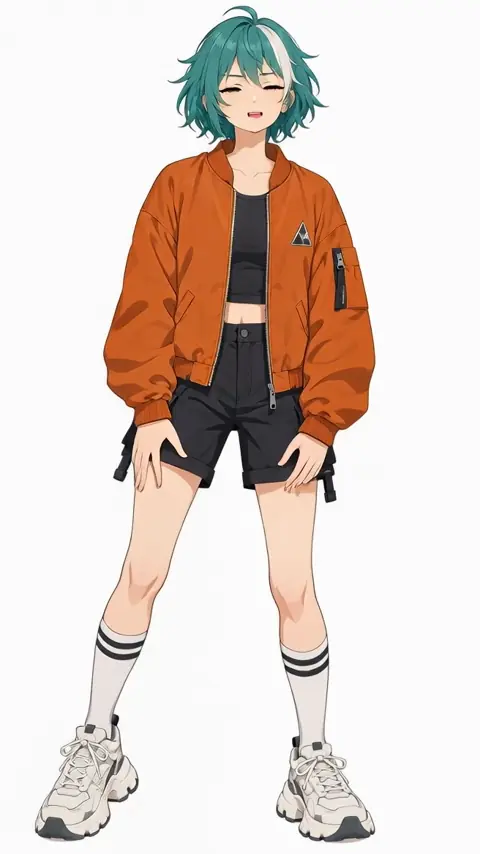 MOTION
Every clip here was made with Genjutsu AI from photos of AI-generated, fictional people. Tap a video to hear it.
REAL INPUTS, REAL RESULTS
Compare a reference clip, the uploaded photo and the generated video before choosing your workflow.
Ready-made duo template
Note: Best of 3 test runs; no editing beyond adding the template's original audio track.
Motion Control
Note: Single run, unedited.
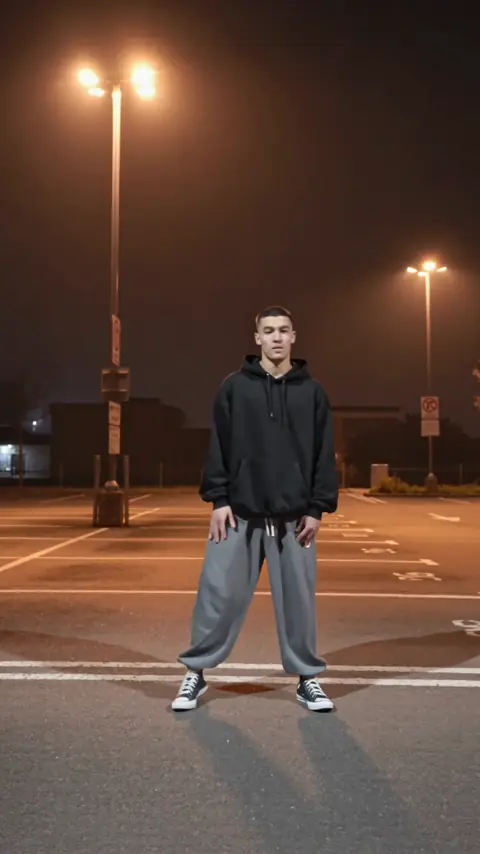
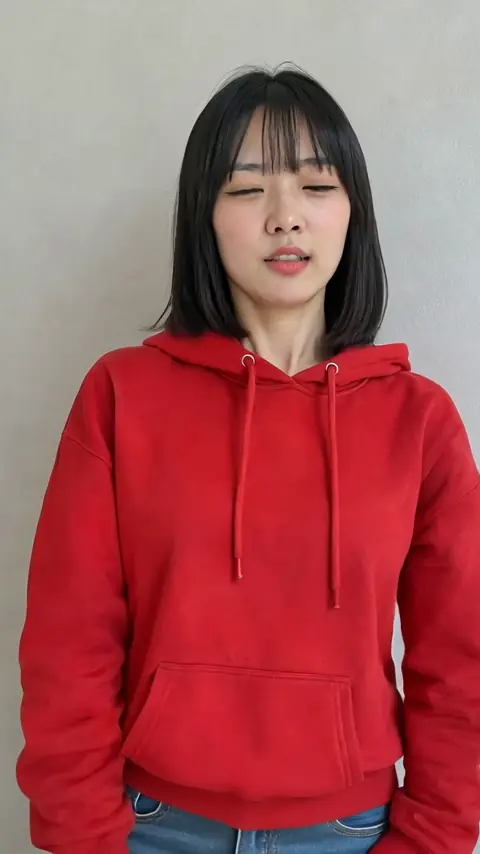
Character Swap
Note: Single run, unedited.
These examples use AI-generated fictional people.
TRENDING NOW
Start with a ready-made reference clip and add one photo per person. Choose a solo template or a duo template to make a video with a friend.
Duo · 12s
Solo · 12s
Solo · 11s
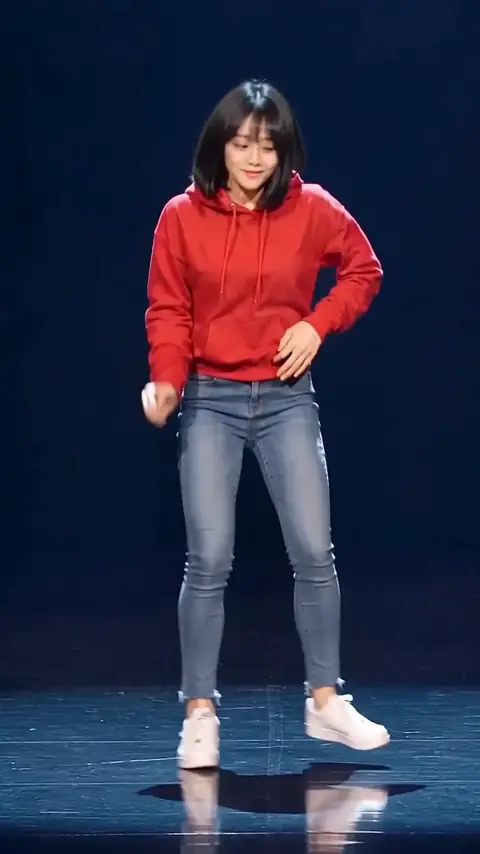
Solo · 10s
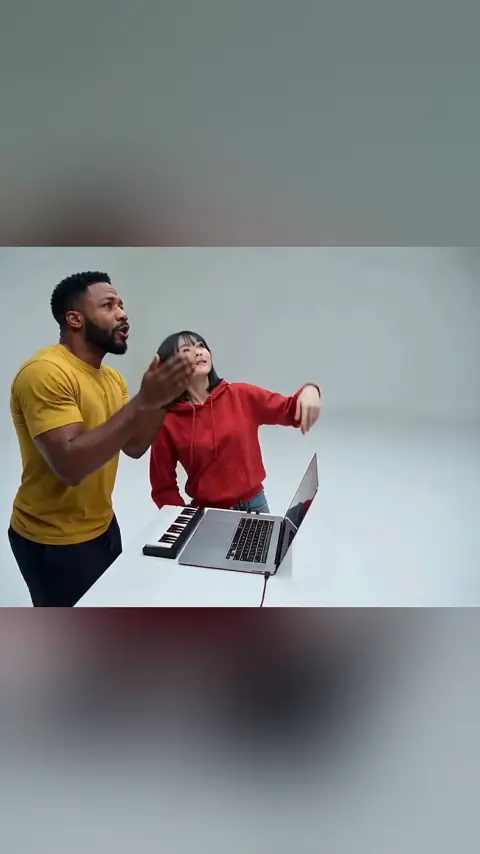
Duo · 15s
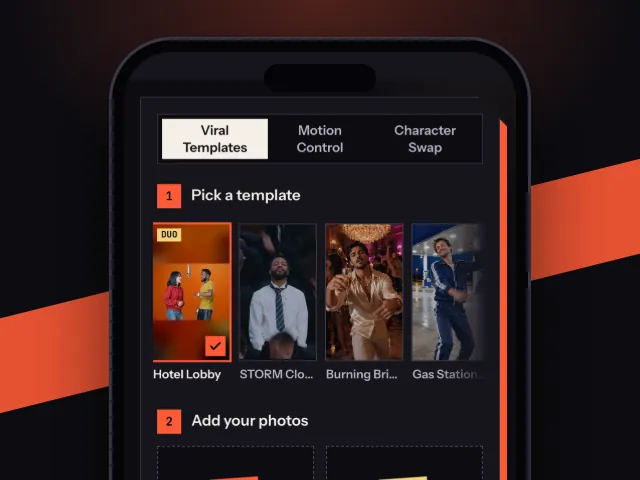
Start from a ready-made template or from your own clip. Either way, it takes three steps.
Start with a ready-made template, or use your own video in Motion Control or Character Swap.
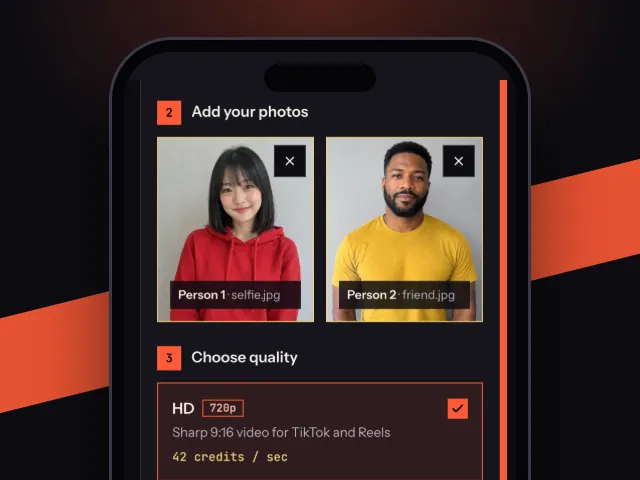
Use a clear, well-lit photo of one person facing the camera. For duo templates, upload one photo for the left person and one for the right. Only use photos of yourself or people who have given permission.
Sign in, review the credit cost and create your video. Find the finished result in My Videos, where you can download or delete it.
WHY GENJUTSU.ART
Hotel Lobby, STORM Close-up, Thriller, Billie Jean AI Dance and Alors On Danse AI are live now. Each template includes its reference clip, so you only add photos.
Hotel Lobby and Alors On Danse AI have two upload boxes, one photo per person, so you can make the video with a friend.
Upload a 3 to 30 second clip and one character photo. The character in your photo follows the moves from your clip.
Replace the main person in your source clip with the character from your photo. Works best with one main person in the clip.
Templates keep their original audio and come out as 9:16 video at 720p. Motion Control and Character Swap use your clip's audio; Motion Control keeps your photo's framing and goes up to 1080p on Pro.
No subscription and no monthly renewal. Buy credits when you need them and use them any time within a year.
MOTION CONTROL
Got a dance or a skit you want to see someone else do? Upload it with one photo, and Genjutsu AI makes your character repeat the moves from your clip. AI motion transfer copies the moves from your video onto the person in your photo, so there is no timeline to edit.
CHARACTER SWAP
Already have a clip? Character swap AI puts your character where the original person was while the rest of the scene stays put.
PHOTO EFFECTS
Try an image effect with one photo. Photo Effects creates an image, not a video.
 BEFOREAFTER
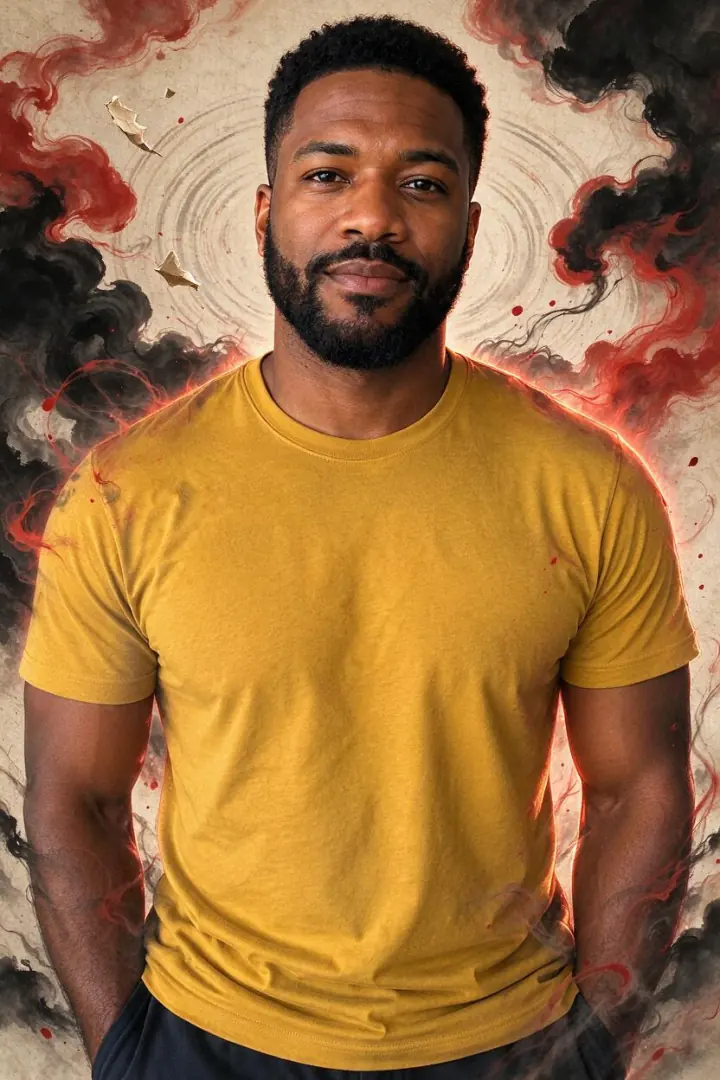
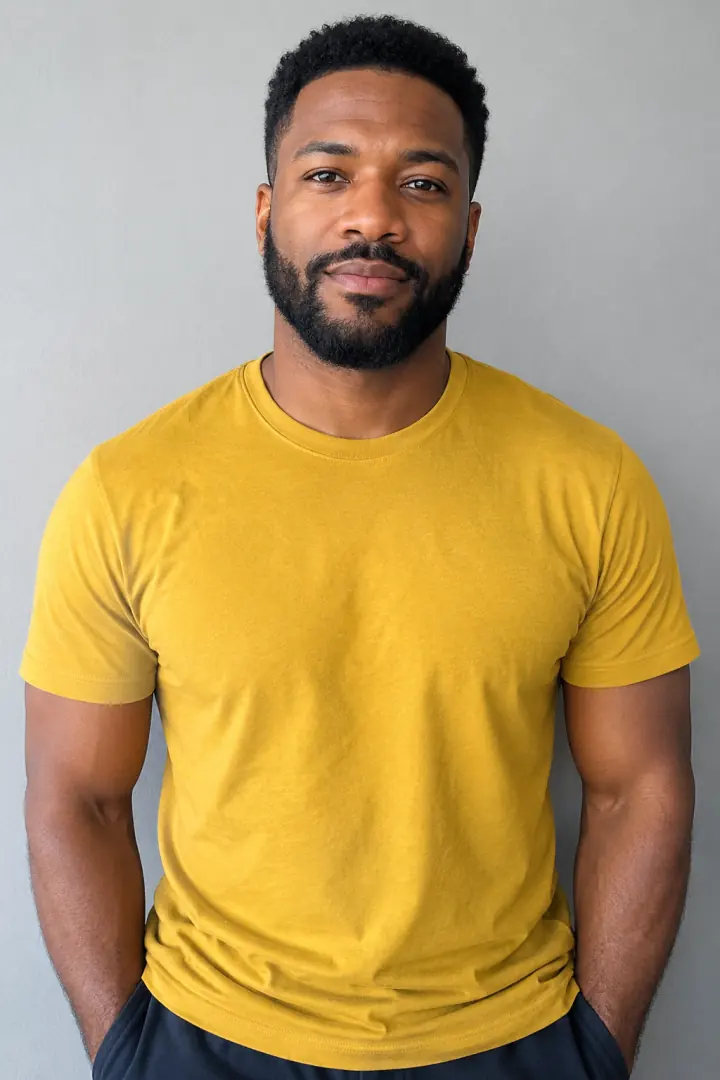
You stay real while the world around you dissolves into red ink.
 BEFOREAFTER
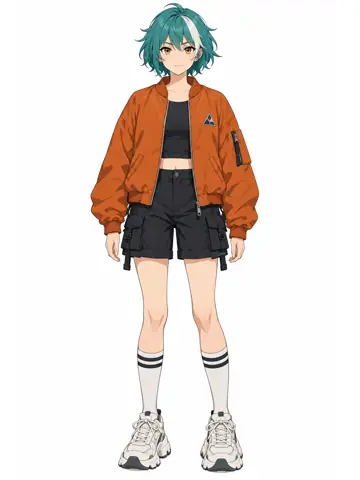
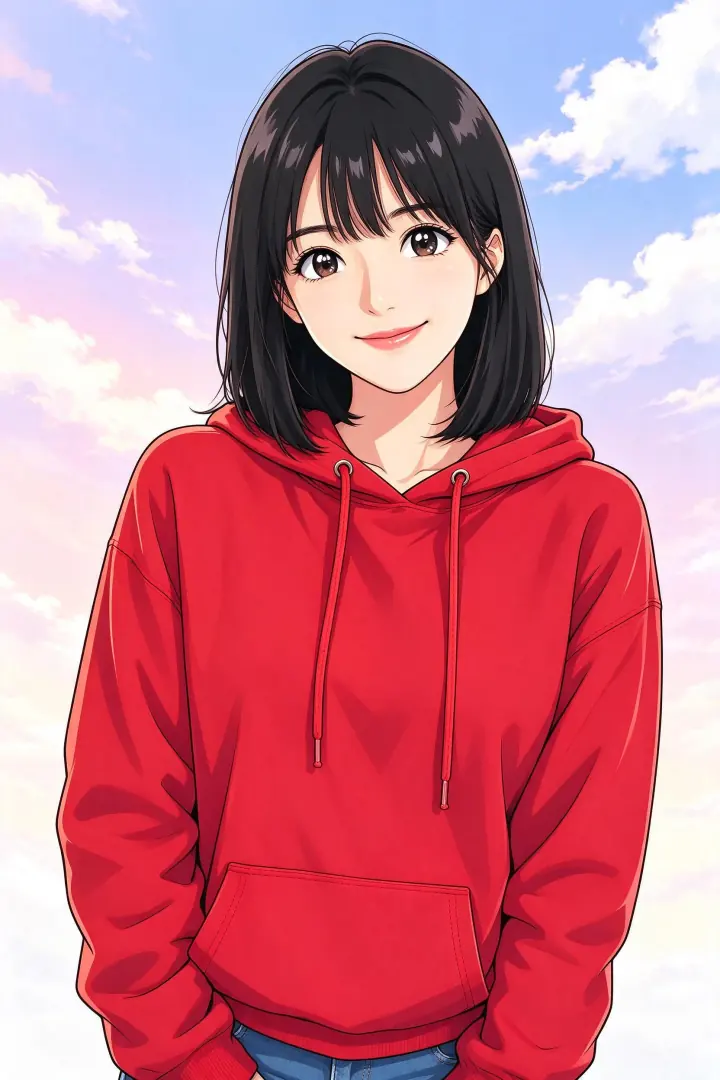
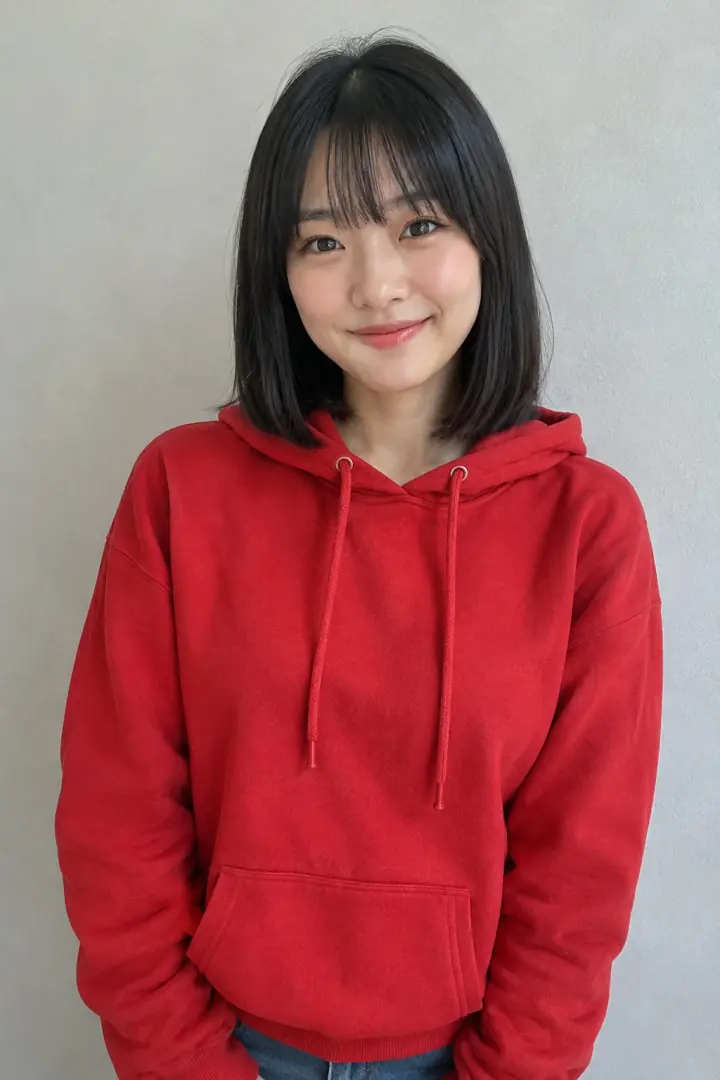
You, redrawn as the lead of a modern TV anime.
 BEFOREAFTER
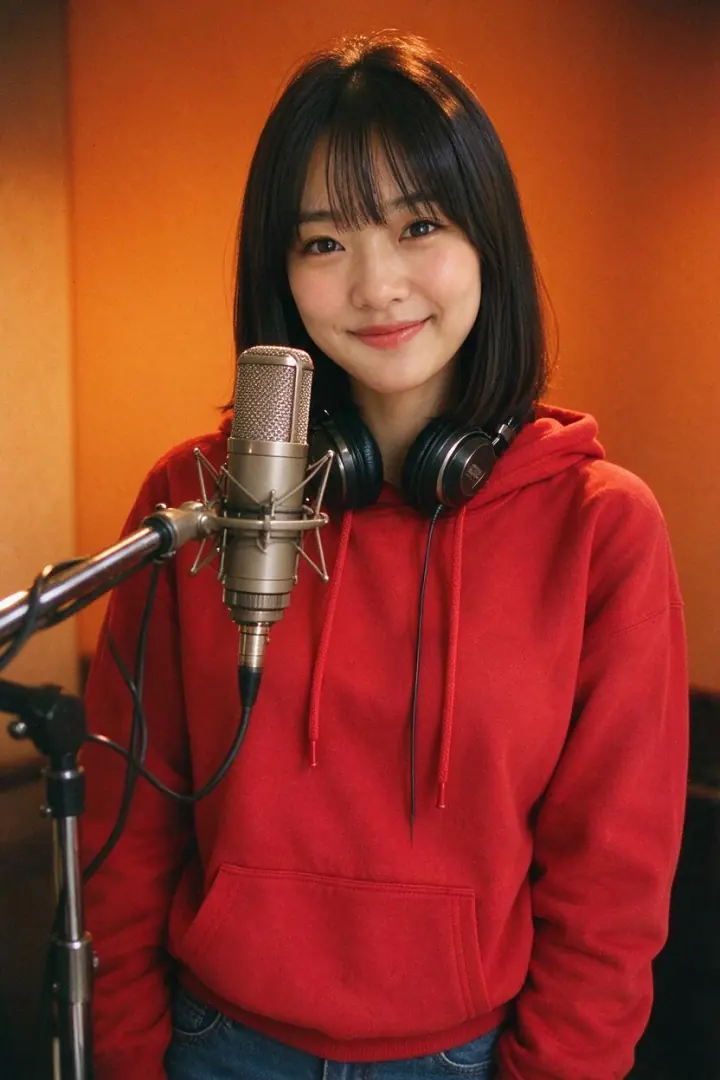
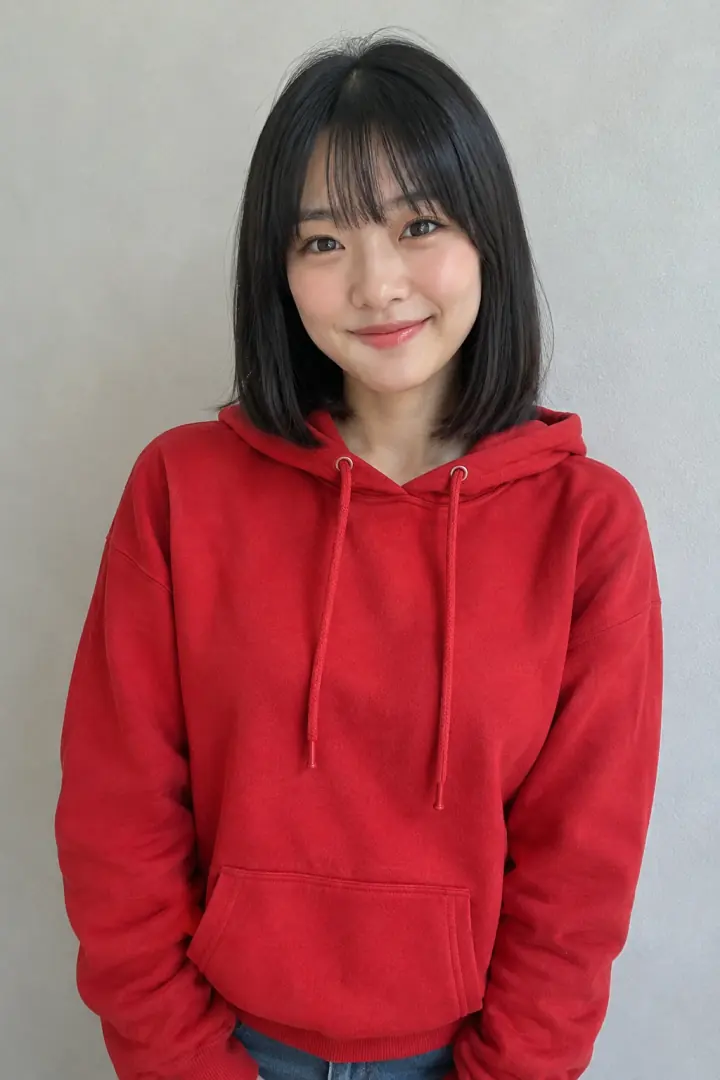
A warm 1970s recording-studio portrait, shot on film.

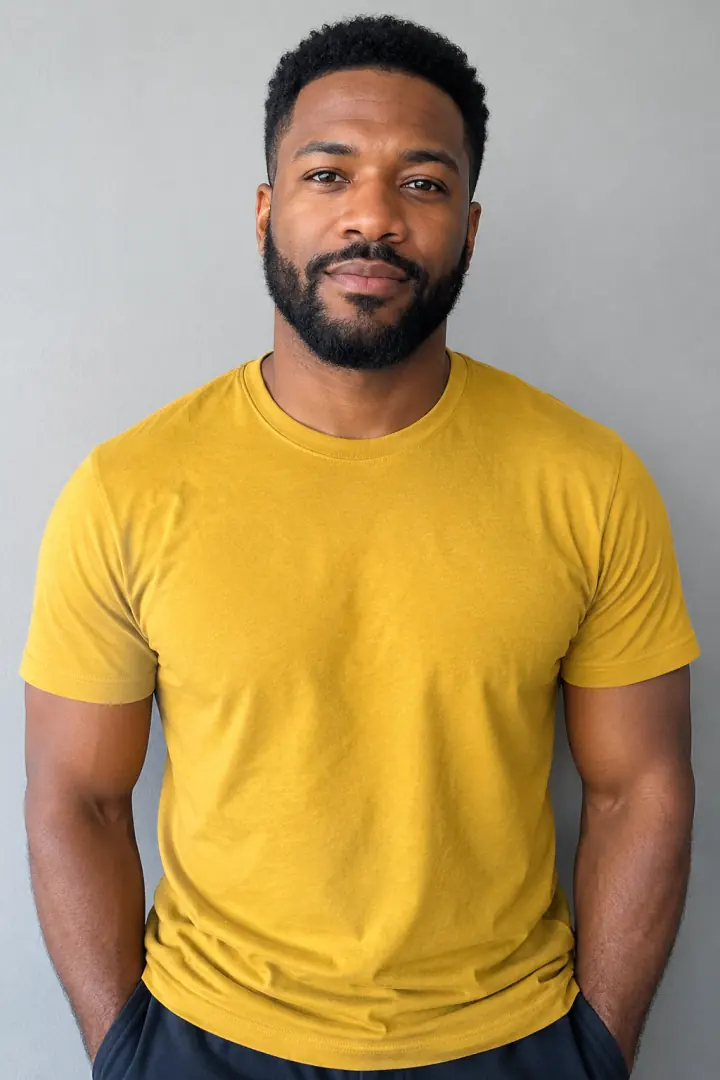 BEFOREAFTER
A blockbuster still with an explosion behind you.
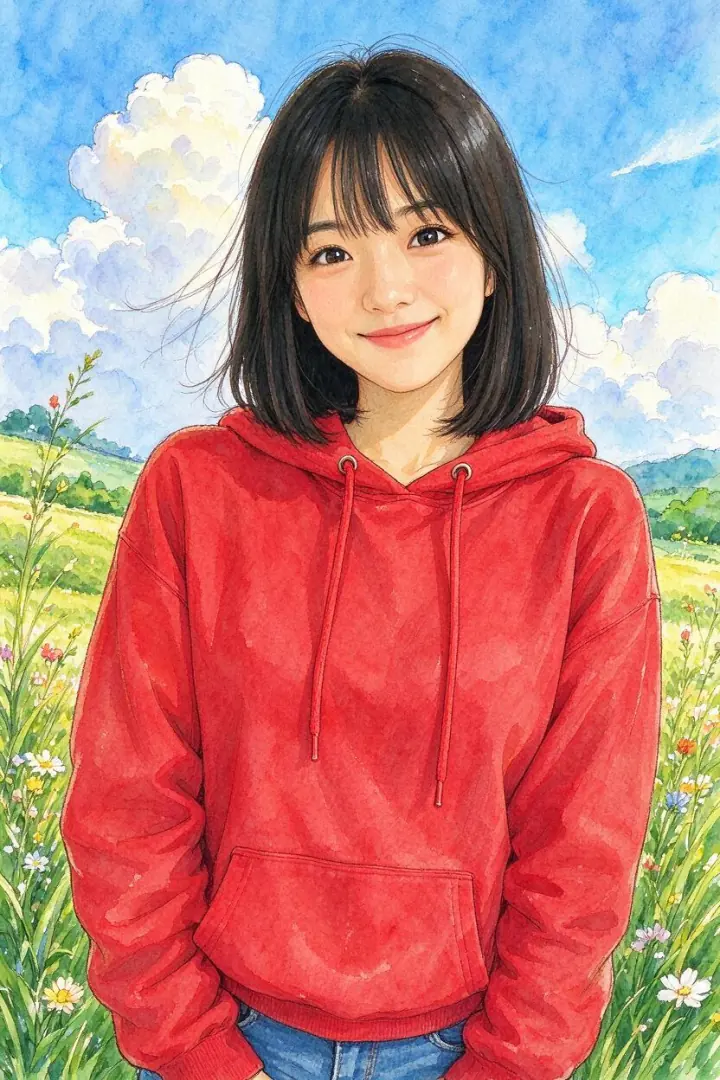
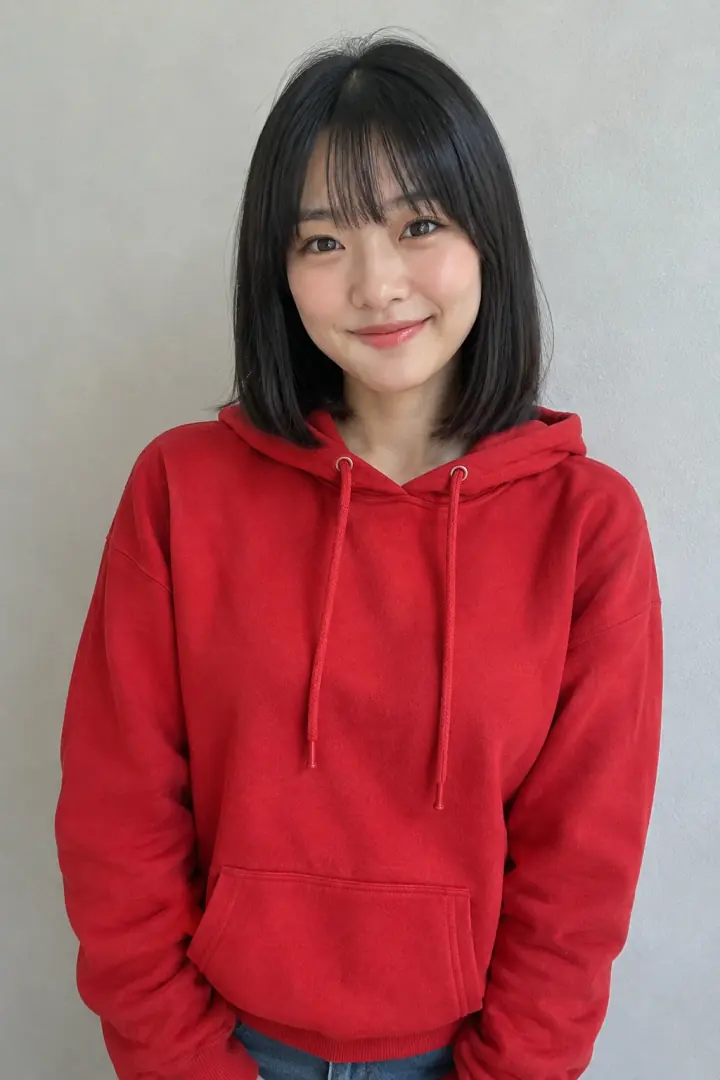 BEFOREAFTER
A hand-painted portrait in a sunny meadow.
2 credits per imageReal results from our tests. Every person shown is AI-generated and fictional.
Genjutsu.art offers an independent, pay-as-you-go workflow for template remakes, photo-driven motion control and character replacement. Choose a ready-made template, add one photo per person and create without writing a prompt or starting a subscription.
Higgsfield's official Genjutsu product also covers selected-object edits and broader scene changes. Compare the editing task you need: the two products don't have identical controls or feature coverage.
| Genjutsu.art | Higgsfield Genjutsu* | |
|---|---|---|
| How you pay | One-time payments, no subscription | Subscription plans |
| Credits expire | 1 year from purchase | Set by each plan's terms |
| Named templates for current trends | Yes, such as Hotel Lobby and Thriller | Community presets (Trending, New) |
| Duo templates | Yes, one photo per person | Yes |
| Price shown before you create | Yes | Yes |
| Selected-object and outfit edits | Not currently | Yes |
How you pay
Credits expire
Named templates for current trends
Duo templates
Price shown before you create
Selected-object and outfit edits
Genjutsu.art is not affiliated with or endorsed by Higgsfield AI.
*Higgsfield details come from Higgsfield's public pages as of October 2026 and may change.
PRICING
Pay for your first video or buy credits for later. No monthly renewal. Credits stay valid for 1 year.
$3.99
One video up to 15 seconds, including duo templates such as Hotel Lobby. One offer per account.
Make my first video$9.90
1,000 credits
About 5 solo or 2 duo template videos of 10 seconds
Buy credits: Starter$29
3,500 credits
About 19 solo or 8 duo template videos of 10 seconds
Buy credits: Creator$79
10,000 credits
About 55 solo or 23 duo template videos of 10 seconds
Buy credits: Studio| Mode | Credits per second | 10-second video |
|---|---|---|
| Solo template | 18 | 180 credits |
| Duo template | 42 | 420 credits |
| Character Swap | 18 | 180 credits |
| Motion Control Standard 720p | 16 | 160 credits |
| Motion Control Pro 1080p | 26 | 260 credits |
| Photo Effects | 2 credits per image | |
Your exact credit cost is shown before you generate. If generation fails, the credits are returned to your balance.
Still stuck? Write to support@genjutsu.art.
Genjutsu.art is a browser-based AI video generator for ready-made video templates, motion control and character swap. Choose a template and upload one photo per person, or upload your own clip and a character photo. Genjutsu.art is independent of Higgsfield AI.
No. Genjutsu.art is an independent product with its own workflows, templates and credit pricing. It is not the official Higgsfield Genjutsu website and is not affiliated with or endorsed by Higgsfield AI.
Yes. The first-video offer costs $3.99 for one video up to 15 seconds, once per account. Credit packs start at $9.90 for 1,000 credits. There is no monthly renewal, and credits stay valid for 1 year from purchase.
Video generation on Genjutsu.art is paid. Your first video costs $3.99 under the first-video offer. Template previews are free to watch, but watching a preview does not generate a video with your photo.
No prompt is required. With ready-made templates, the reference video is included and you only add photos. Motion Control and Character Swap use a video you upload plus one character photo.
Motion Control uses a reference video to guide the movement of the character in your photo. Character Swap replaces a person in your source video. For Character Swap, use a clip with one main person because you can't choose which person is replaced in a group.
Yes, using a supported duo template such as Hotel Lobby. Upload one photo for each person: Person 1 takes the left position and Person 2 takes the right. This is a template workflow; Character Swap doesn't let you select two people in an uploaded video.
Choose the Hotel Lobby duo template and upload one photo for each person. Check the price and generate the video. The $3.99 first-video offer includes duo templates up to 15 seconds.
Motion Control accepts 3 to 30 second MP4 or MOV clips. Character Swap accepts source videos up to 30 seconds. Upload a clear character photo alongside your clip.
Template videos keep the audio from their source clip. In Motion Control and Character Swap, the audio comes from the video you upload.
No. Genjutsu.art runs in a web browser on your phone or computer. Sign in with Google or email to use the generator.
Pick a template or upload a clip, add your photo and check the credit cost before you create. Your first video is $3.99.